Reference video AI that follows your clip, shot for shot

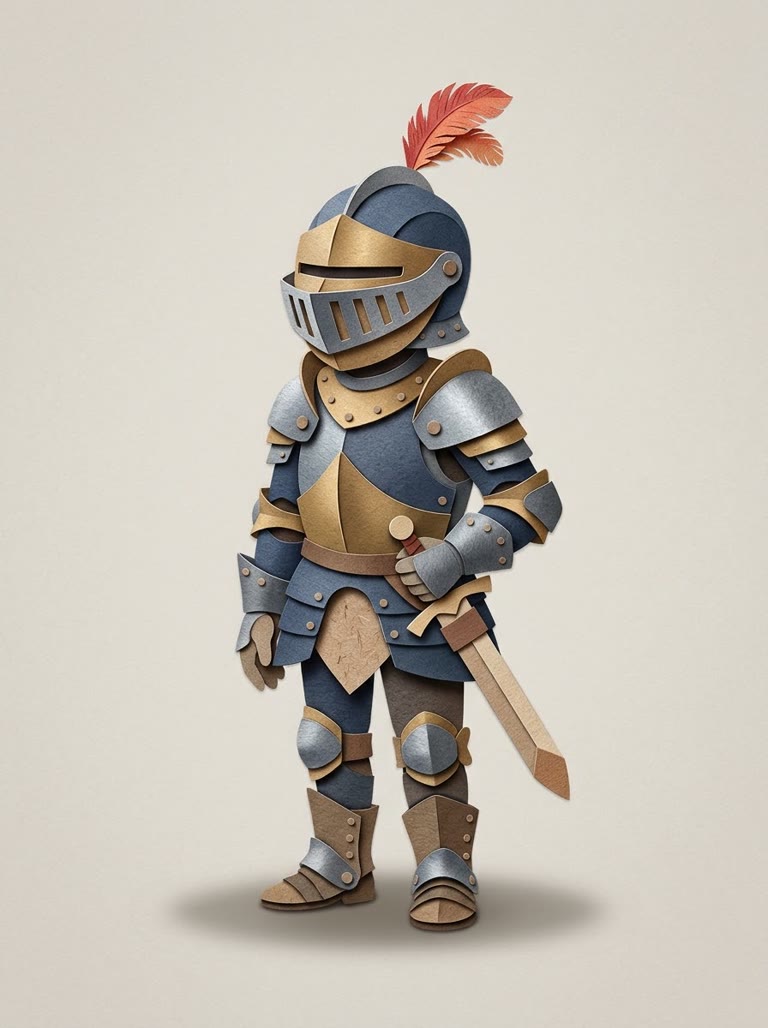
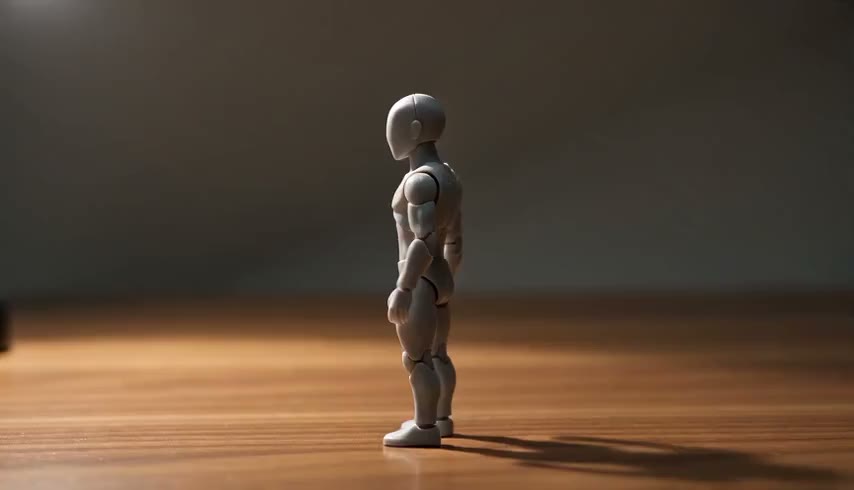
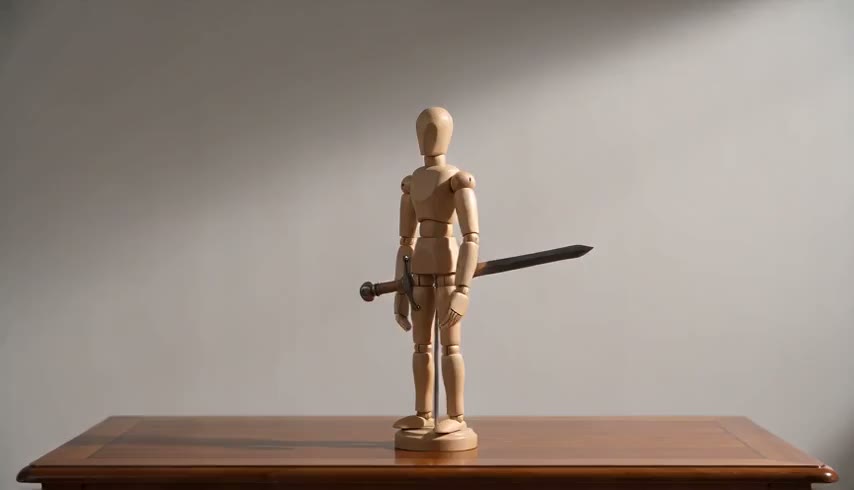
The reference clip: a wooden artist mannequin posed by hand through the drawThe character picture that was uploaded: a paper-cutout knight drawing a sword
Shot 01 · Draft · a paper-cutout knight drawing a sword
S01

1Character (every shot)

Upload your character

An invented character: a drawing, 3D model, toy, mascot or creature, full body if you can. JPEG, PNG or WebP. Real people and well-known characters are refused.

2Reference clip

Set, light and mood for this shot. Checked before the take starts.0/300

4Pass

Size
Sign up for 80 free credits

80 credits once after you confirm your email: one 4-second Draft take of your shot.

This reference video AI turns a short clip you filmed into a new shot with the same timing, body motion and camera path. The clip can be you walking through a doorway, a hand-held push-in on a desk or a toy pushed across a table. You add one picture of the character who should be in the shot and, if you like, a line about the place and the look. The reference decides how things move and where the camera goes; the picture decides who moves. Faces and identities in your clip are never carried over.

Updated

How it works

  1. 1

    Upload and trim the reference

    Drop an MP4 or MOV from your phone, up to 95 MB and 10 minutes long. Pick the 4 to 10 seconds you want and crop to 16:9, 9:16 or 1:1 if needed. Trimming and cropping are free and happen before anything is charged.

  2. 2

    Add the character and the scene

    Upload one picture of an invented character: a sketch, a turnaround, a 3D render or a painted frame. Add a short scene line such as "rainy rooftop at dusk, ink-wash style". Tick the box confirming you are the person in the clip or have their permission.

  3. 3

    Run a take and compare

    Pick Draft, Rough or Clean and a resolution; the credit price is on the button. The take comes back as a silent MP4 beside your reference so you can check the timing. A take that fails returns its credits by itself.

Good for

  • Storyboard artists turning a board into a moving shot
  • Directors showing a camera move instead of describing it
  • Indie animators testing timing before they key a scene
  • Pitch reels that need a believable shot in a day, not a week
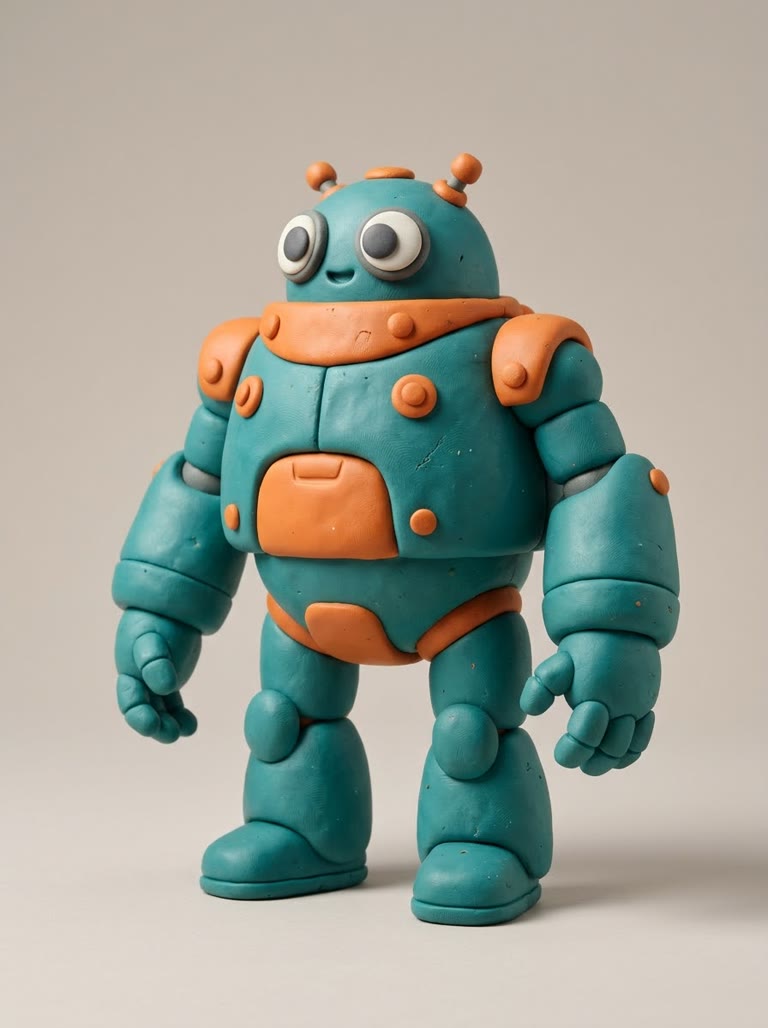
The reference clip: an action figure turned by hand on a deskThe character picture that was uploaded: a clay robot turning to face the camera
Shot 02 · Rough · a clay robot turning to face the camera
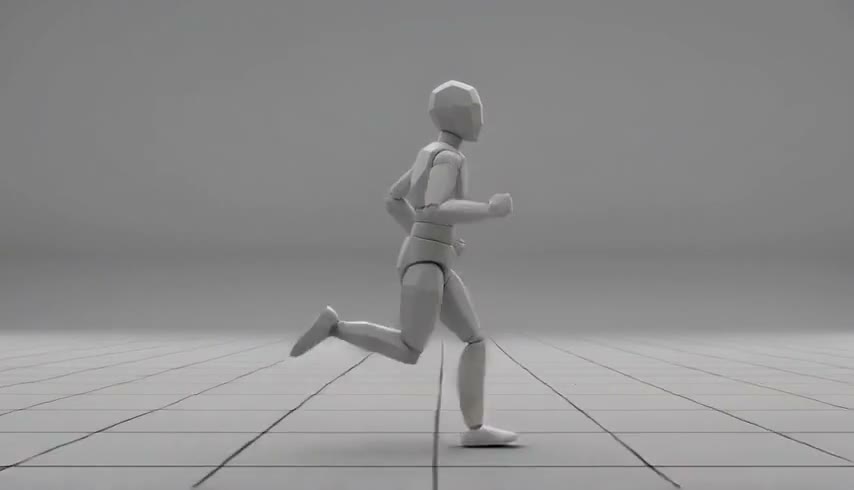
The reference clip: a grey 3D blockout of a run, untexturedThe character picture that was uploaded: a cel-shaded fox courier running with a parcel
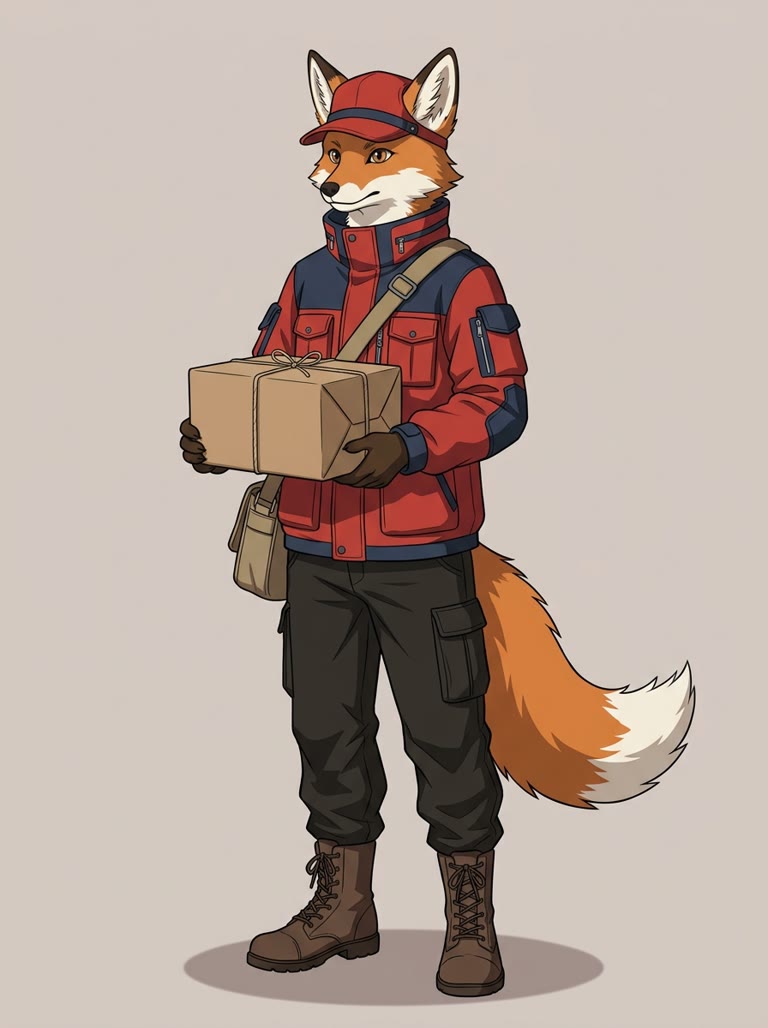
Shot 03 · Clean · a cel-shaded fox courier running with a parcel
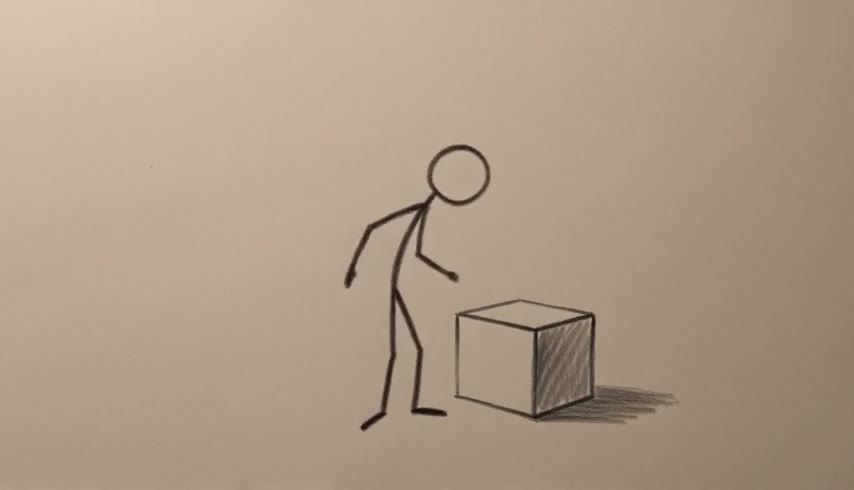
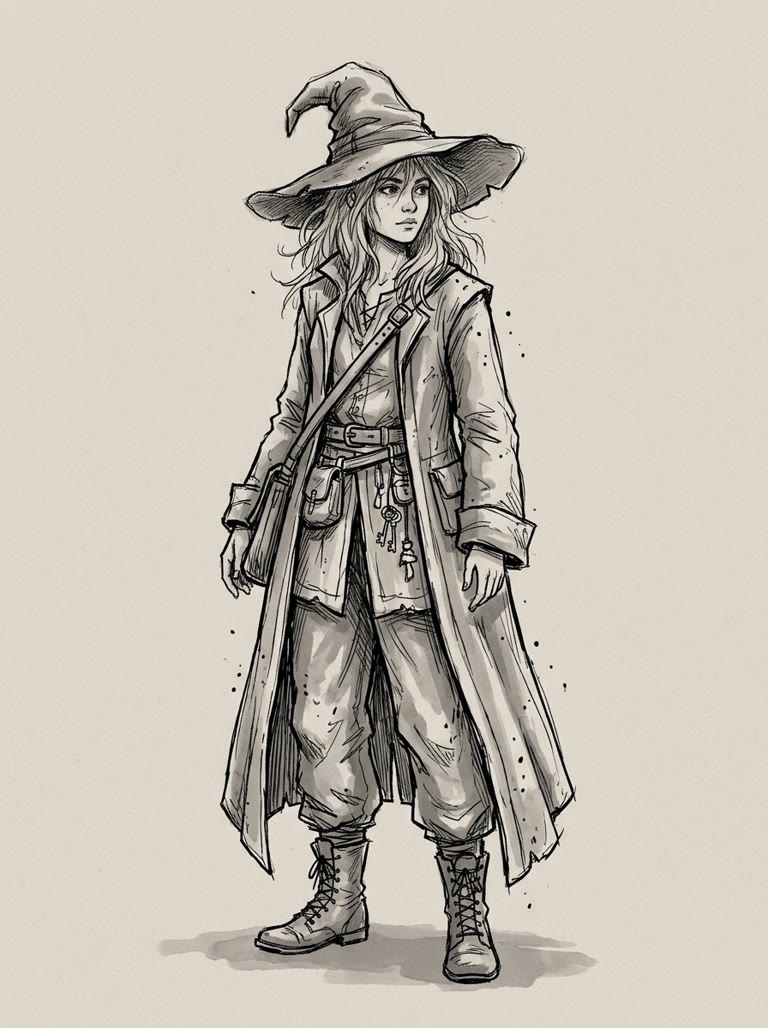
The reference clip: a pencil flipbook of a stick figure sitting downThe character picture that was uploaded: an ink-sketch witch sitting down on a crate
Shot 04 · Draft · an ink-sketch witch sitting down on a crate

01

What the reference controls, and what it does not

The reference clip is read for motion and framing: how a body moves, how fast, where it stops, and what the camera does while it happens. A slow dolly toward a chair stays a slow dolly toward a chair; a quick turn on the third second stays on the third second. What the reference does not control is identity. The person in your clip is replaced by the character in your picture, and the room is replaced by whatever the scene line describes. That is why a bedroom, a hallway or a kitchen table makes a perfectly good set: none of it shows in the take.

02

Why a reference beats a long prompt

A prompt has to describe timing in words, and words are vague about seconds. "She hesitates, then runs" can mean almost anything. A reference shows it. If you act the hesitation out for one and a half seconds and then run, that is what the take does. In practice the scene line can stay short, a place and a look, because the clip already carries the hard part. Scene lines are limited to a few hundred characters for that reason: the clip is the instruction.

03

Which pass to run first

Start with a Draft. It runs on Seedance 2 Mini, costs the least per second and tells you within minutes whether the motion reads on your character. When the blocking works, a Rough on Seedance 2 Fast gives a sharper take for review, and a Clean on Seedance 2 gives the best motion and detail for a pitch or a final animatic. Each pass is billed per second of the take in whole seconds, with a 4-second minimum, and each run is its own charge.

Credits per take

Plans start at $12.85 a month and the largest is $613.50 a year; the total for your take shows on the button before anything runs. Plans and credit packs

Credits per second by pass and resolution
Pass480p720p
DraftSeedance 2 Mini20 per second39 per second
RoughSeedance 2 Fast52 per second113 per second
CleanSeedance 286 per second187 per second

Questions

Will my face appear in the result?

No. The reference is used for motion and framing only. The character in your picture takes the place of the person in the clip, and faces or identities from the reference are never carried over.

What files can I use as a reference?

MP4 or MOV, up to 95 MB and 10 minutes long. You trim 4 to 10 seconds of it for each take, and can crop it to 16:9, 9:16 or 1:1 in the browser for free.

Can the character be a real person?

No. The character picture must show an invented character. Pictures of real people, famous people and well-known characters are refused by the upload check before any credits are spent.

Does the take have sound?

No. Every take is a silent MP4. Lay your own scratch track or dialogue under it in an editor.

Which model makes the take?

Draft runs on Seedance 2 Mini, Rough on Seedance 2 Fast and Clean on Seedance 2, video models by ByteDance. Seedance2.xyz is an independent site and is not affiliated with ByteDance.