
Seedance 2.0 takes from your own reference clip
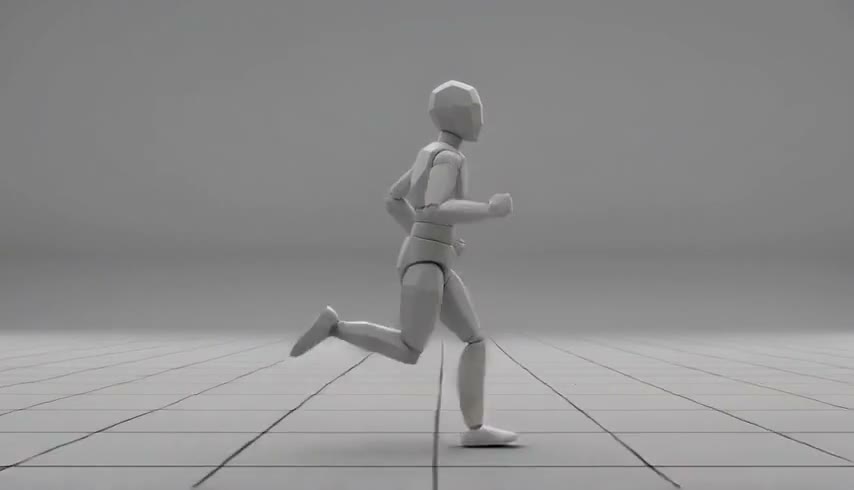
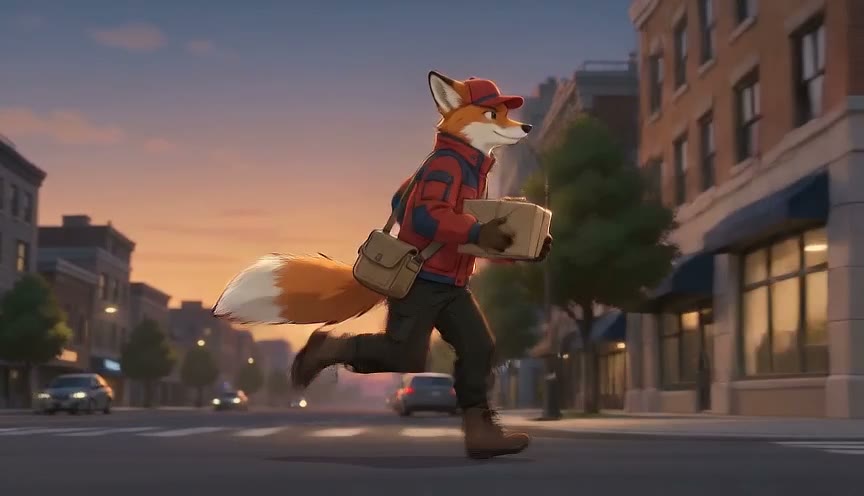
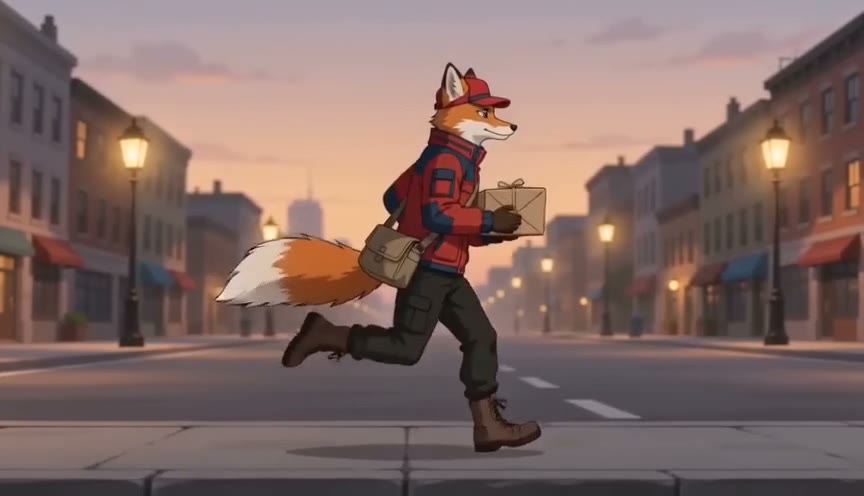
Act the shot out on your phone, push toys around the desk or film a grey blockout. Add a character picture and the take moves the way your reference does, shot by shot, from a cheap Draft to a Clean pass.
1Character (every shot)
Upload your character
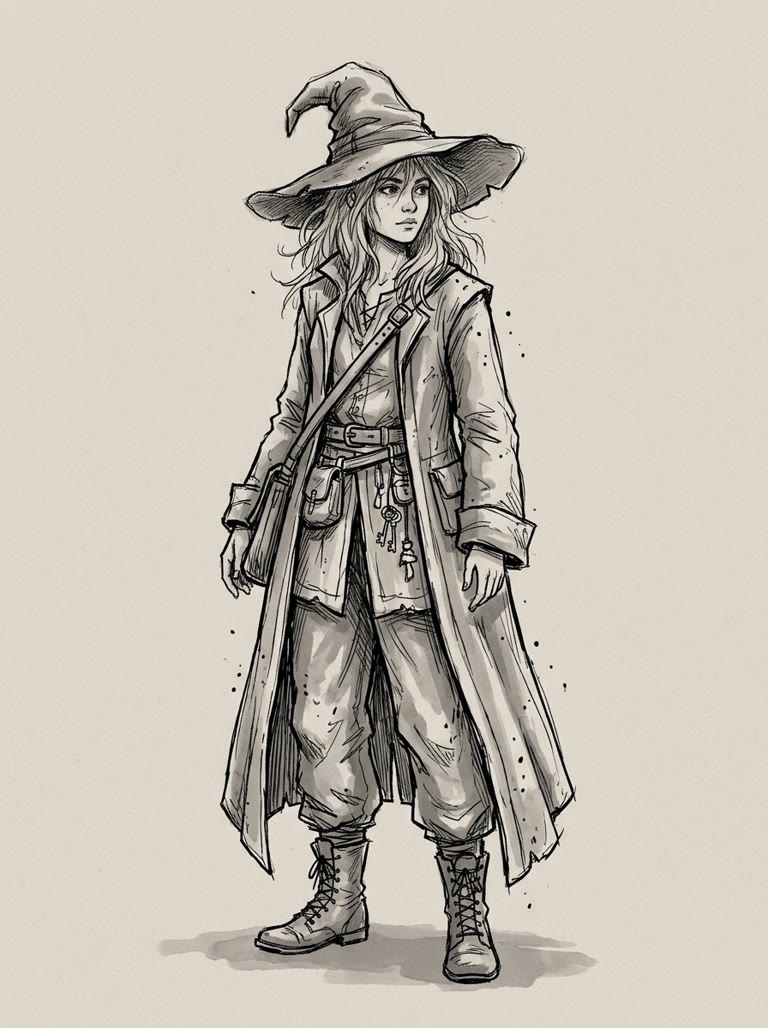
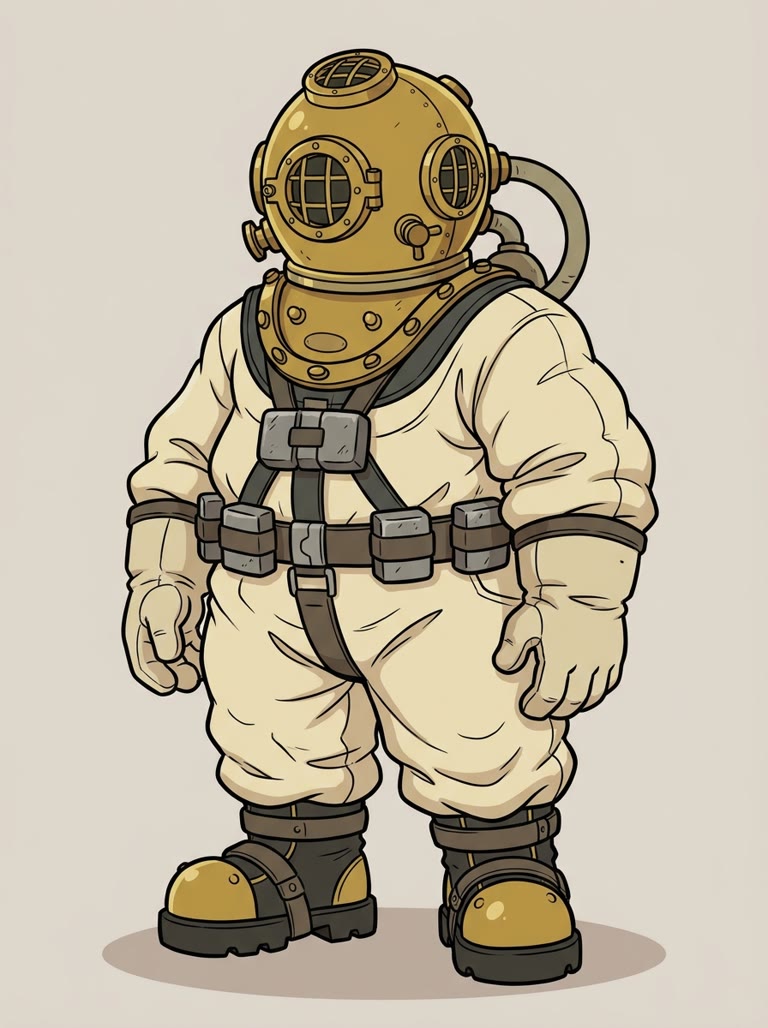
An invented character: a drawing, 3D model, toy, mascot or creature, full body if you can. JPEG, PNG or WebP. Real people and well-known characters are refused.
2Reference clip
Set, light and mood for this shot. Checked before the take starts.0/300
4Pass
80 credits once after you confirm your email: one 4-second Draft take of your shot.
Independent studio, not affiliated with ByteDance. Seedance is a trademark of its owner.
Real takes
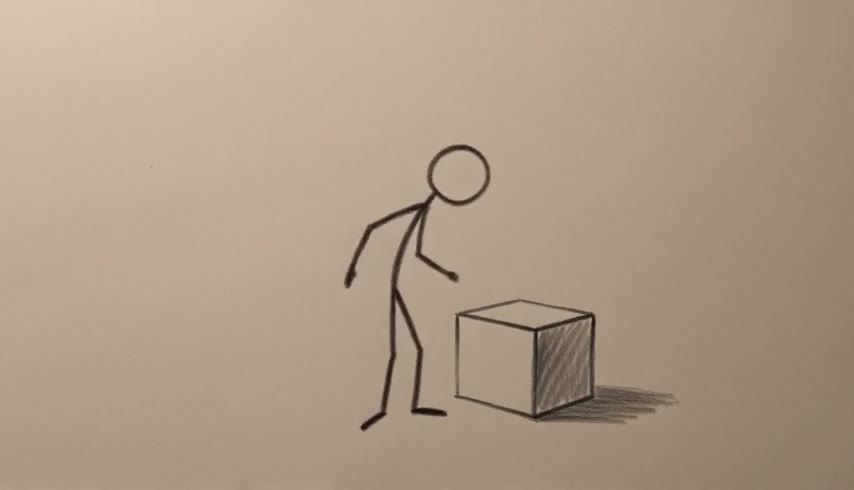
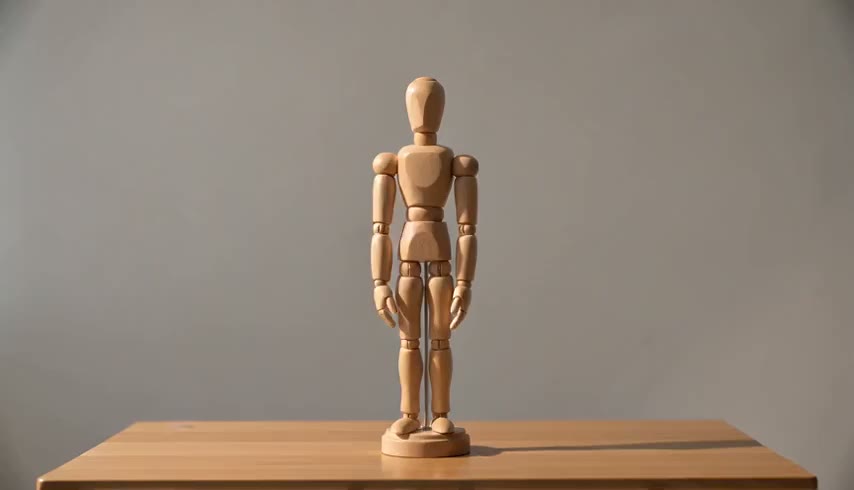
Takes beside the reference they followed
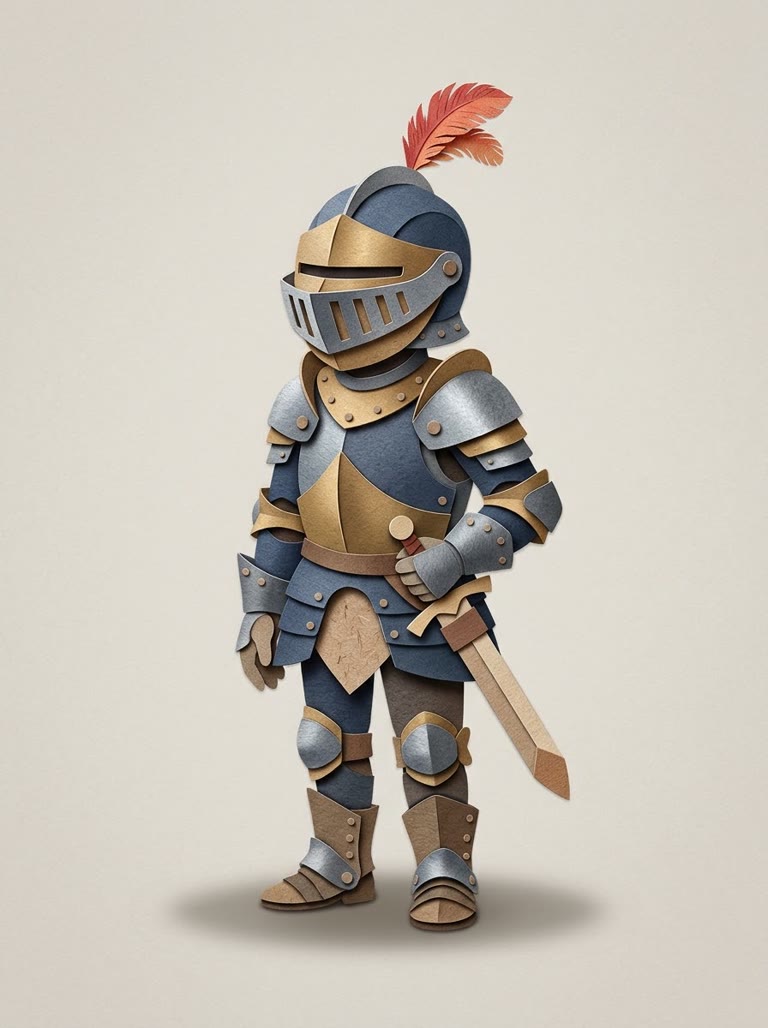
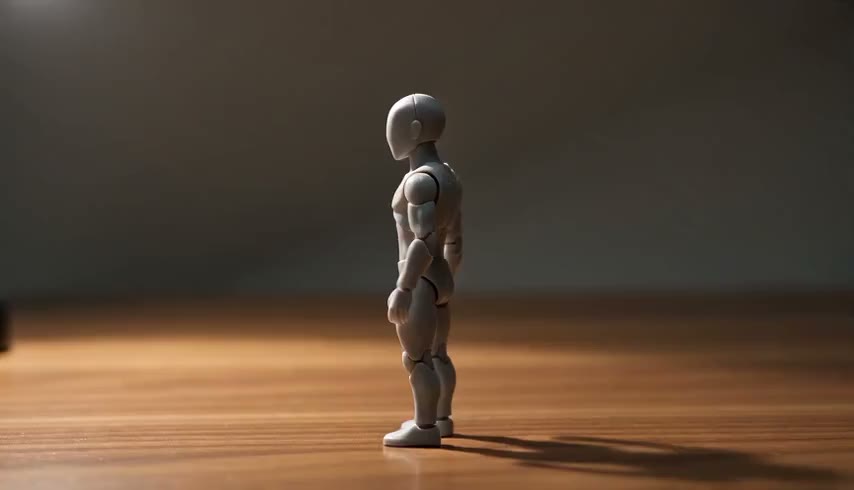
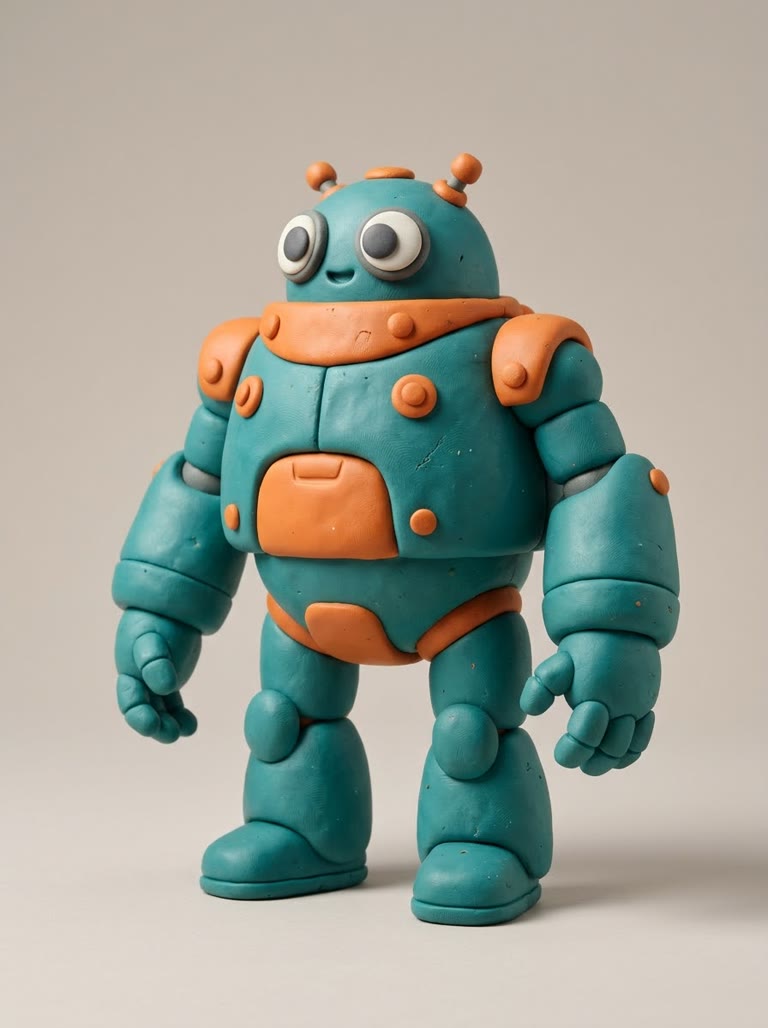
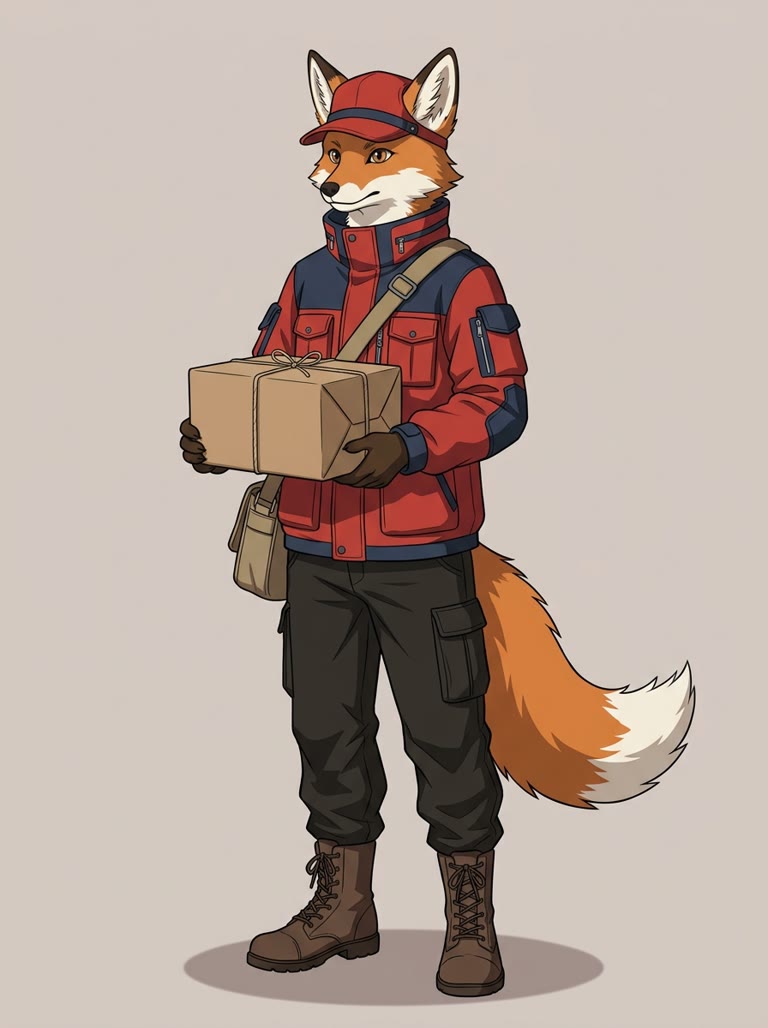
Each take is shown as it came back, no hand fixes. The small frame bottom left is the rough reference clip; the one top right is the character picture.
Three passes
Draft it, rough it, clean it
Every take follows a 4 to 10 second cut of your reference and is billed in whole seconds. Start each shot as a Draft and spend more only on the takes that earn it.
Blocking
Draft
The cheap check: does the character read, does the timing land, does the camera move feel right. Make several and keep one.
480p: 20 credits/s · 720p: 39 credits/s
Timing and layout
Rough
Sharper motion and steadier shapes, good enough to cut into a pitch animatic or hand to the layout artist.
480p: 52 credits/s · 720p: 113 credits/s
Previs and pitch
Clean
The best motion and detail, made at 720p by default, for the shots that go in front of a client or a producer.
480p: 86 credits/s · 720p: 187 credits/s
Pick a pass for each shot on the shot list, compare the take beside its reference, then export the chosen takes as one animatic with shot numbers and a CSV shot list. The export runs in your browser and costs nothing.
Who it is for
Motion transfer for people who board and block
You bring the performance and the design. The take carries the motion and the camera from your reference onto your character, and never the face of whoever acted it.
- 01
Storyboard artists
Turn a board panel into a moving shot: act the beat in your kitchen, drop in the panel’s character and get a Draft to time against.
- 02
2D and 3D animators
Rough out blocking before you key a single pose. Your reference sets the arcs and the spacing; the take shows them on your design.
- 03
Indie film previs
Film the scene on a phone with friends, then see it with the creature, the robot or the stylised lead you are pitching.
- 04
Game cinematics
Try an intro, an emote or a cutscene beat on your hero before anyone books a mocap stage.
- 05
Pitch animatics
Line up a Draft or Rough take per shot, export them in order with shot numbers, and lay your scratch track under it.
How it works
How to turn a reference clip into a take in three steps
Uploads, trimming, cropping and the animatic export are free. You pay only for the takes.
- 01
Set up the shot
Add a shot to the list, upload the rough reference clip and cut 4 to 10 seconds of it. Add the character picture and, if you like, a scene line for setting and light. If a person is in the clip, confirm you have their consent.
- 02
Make a Draft take
Pick Draft, Rough or Clean and 480p or 720p; the price shows on the button. When the take is back, play it beside the reference to check the motion carried over.
- 03
Clean the keepers, export the animatic
Make a Rough or Clean take of the shots you keep, choose one take per shot and export them as one video with shot numbers, plus a CSV shot list. Failed takes return their credits.
Credits
What a take costs
A take is priced per second of the reference cut it follows, by pass and resolution. The full cost of the take is on the button before a pass starts.
| Pass | 480p | 720p |
|---|---|---|
| DraftSeedance 2 Mini | 20 per second | 39 per second |
| RoughSeedance 2 Fast | 52 per second | 113 per second |
| CleanSeedance 2 | 86 per second | 187 per second |
Takes bill whole seconds, 4 at least. Takes come back silent. Failed takes are refunded, and character pictures the check refuses are never charged.
Pricing
Plans for one artist or a whole team
A monthly or yearly plan for steady shot work, team seats for a shared pool, or a pack for one production. Your first 80 credits are free: one 4-second Draft take at 480p.
Rough Pass
For blocking a few shots a week
$10.71/month
$128.50 billed once a year
or $12.85 billed monthly
- 2,647 credits a month
- About 33 4-second Draft takes a month
- 31,764 credits a year, 2,647 added each month
- Draft, Rough and Clean takes at 480p or 720p
- Reference clips trimmed and cropped for free
Plans open soon.
Clean-Up
For a short sequence every week, rough to clean
$24.29/month
$291.50 billed once a year
or $29.15 billed monthly
- 6,220 credits a month
- About 77 4-second Draft takes a month
- 74,640 credits a year, 6,220 added each month
- Draft, Rough and Clean takes at 480p or 720p
- Reference clips trimmed and cropped for free
- API keys and MCP for your own scripts
Plans open soon.
Final Line
For daily previs and Clean takes at 720p
$51.13/month
$613.50 billed once a year
or $61.35 billed monthly
- 13,910 credits a month
- About 173 4-second Draft takes a month
- 166,920 credits a year, 13,910 added each month
- Draft, Rough and Clean takes at 480p or 720p
- Reference clips trimmed and cropped for free
- API keys and MCP for your own scripts
Plans open soon.
Team plans
Billed per seat with a minimum of 3. Each seat's credits feed one shared pool that every artist on the shot list spends from; colleagues join with an invite link.
Layout Team
A shared pool for a small animation team
$245.50per seat a year
or $24.55 per seat billed monthly
3 seats: $736.50 in total
- 15,420 pooled credits monthly (5,140 per seat)
- One shared credit pool for the team
- Draft, Rough and Clean takes at 480p or 720p
- Reference clips trimmed and cropped for free
- API keys and MCP for your own scripts
Plans open soon.
Previs Studio
A bigger shared pool for a game or film studio
$511.50per seat a year
or $51.15 per seat billed monthly
3 seats: $1,534.50 in total
- 35,460 pooled credits monthly (11,820 per seat)
- One shared credit pool for the team
- Draft, Rough and Clean takes at 480p or 720p
- Reference clips trimmed and cropped for free
- API keys and MCP for your own scripts
Plans open soon.
Credit pack
A one-time purchase that never renews and never expires, for a single production.
Exposure Sheet · $35.65
6,480 credits that never expire, about 81 4-second Draft takes.
Plans open soon.
New accounts get 80 credits after the email check, no card asked: enough for one 4-second Draft take at 480p, one grant per mailbox. They never expire.
Refund window: 7 days for monthly plans, 21 for yearly plans and 14 for the pack, provided no more than 10% of the credits went into takes. The unspent share is what comes back.
Questions about AI motion transfer
What does Seedance2.xyz do?
It transfers motion from your own rough reference clip onto a character picture. You keep a shot list; each shot gets a reference clip, a character picture and an optional scene line, and each take follows the reference’s motion and camera. Takes come as Draft, Rough or Clean passes at 480p or 720p, and the chosen takes export as one animatic.
Is this the official Seedance 2.0 website?
No. Seedance2.xyz (seedance2.xyz) is independent and is not affiliated with, endorsed by, sponsored by or operated by ByteDance. It runs ByteDance’s Seedance 2 models to turn your reference clips into takes.
What makes a good reference clip?
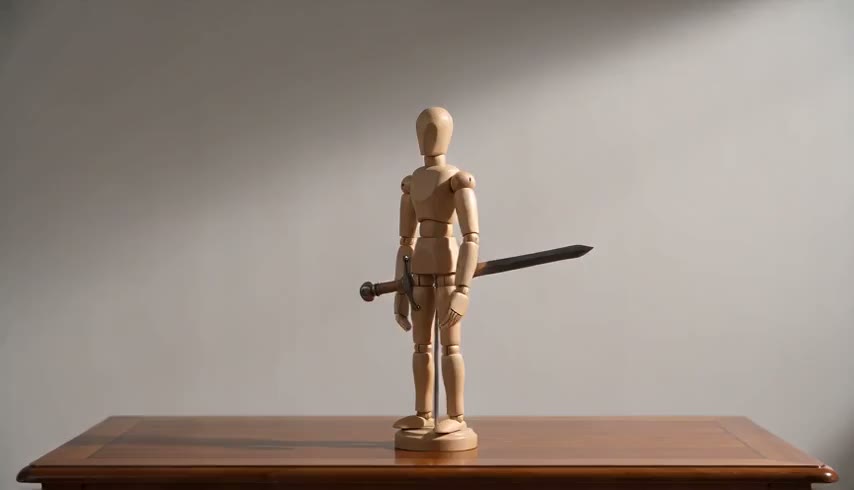
One clear performer or object, the whole body in frame, steady light and the camera move you want in the final shot. Acting it out yourself, moving toys or a wooden mannequin by hand, a grey 3D blockout or a filmed sketch all work. Upload MP4 or MOV up to 95 MB and 10 minutes, then cut 4 to 10 seconds of it.
Can the reference show a real person?
Yes, if it is you or someone who agreed to it: you tick a consent box before the take runs. The reference sets motion and framing only. Faces and identity are never carried over; the take shows your character, not the performer.
Which character pictures are refused?
Every picture is checked before you pay. Photos of real people, famous people and well-known characters from films, games or comics are refused, and so is sexual content. Your own drawn, sculpted, 3D or generated characters are what it is for.
What is the difference between Draft, Rough and Clean?
Draft is the quick, cheap check of timing and staging. Rough is sharper and steadier, good for an animatic. Clean has the best motion and detail. A 4-second Draft at 480p is 80 credits; the same take as a 720p Clean is 748.
All questionsMore answers in the help centerMake takes from your AI assistant (MCP)
Updated
Got a shot you can act out?
Film the reference, add your character, and see a Draft take in a few minutes.